

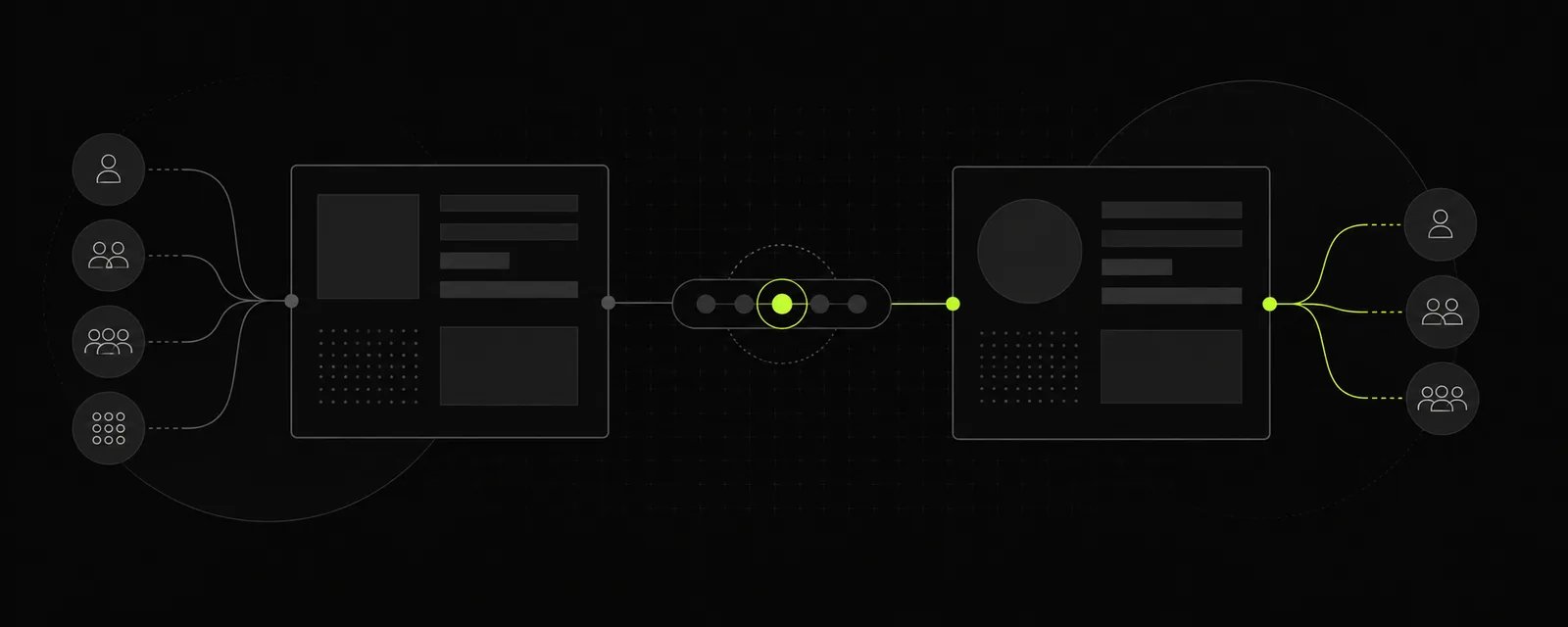
Before you flip the switch
Finish whatever you are doing before switching shops.- If you have an active customer standing in front of you with a cart full of pre-rolls, ring it up or park the cart first.
- Switching stores while halfway through building an order drops you into a brand new context. Each business maintains its own live inventory counts, customer tabs, and sales ledgers.
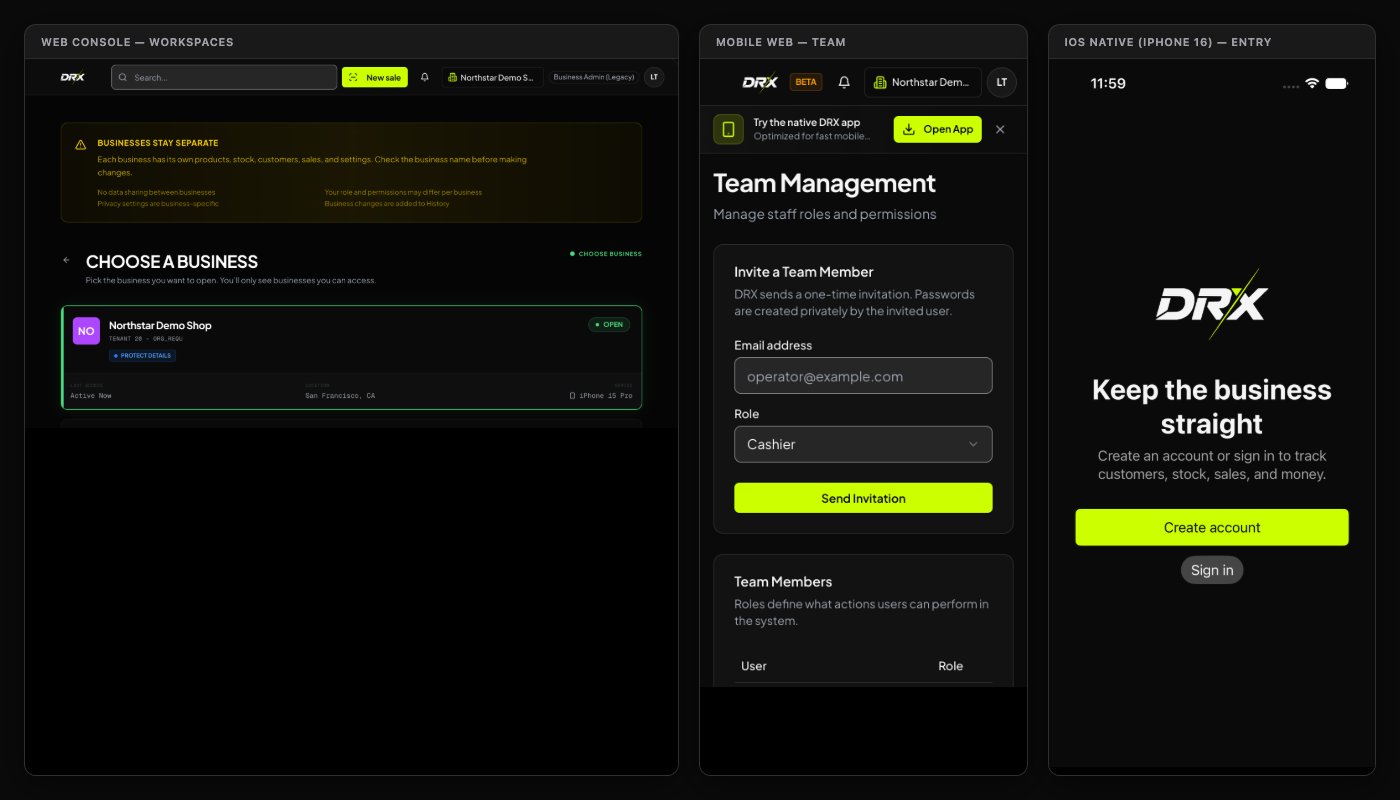
Switching stores across your devices
- Desktop Web
- Native iOS (SwiftUI)
- Android & Mobile Web
- Look up at the top navigation header and click Select a business (or your current store name).
- Under My Businesses, click the location you want to operate.
- Watch the header update. Confirm the shop name in the top corner before clicking into Sales, Products, or Customers.
- If you have multiple tabs open in your browser, refresh them so you are not accidentally ringing up carts in yesterday’s location.
Inviting team members and setting roles
Don’t hand your store owner password to every weekend budtender. DRX lets you invite staff members with distinct, role-scoped access:- On Desktop Web, click Settings in the main sidebar, then select Manage Team.
- Scroll to Invite a Team Member and enter their work Email address.
- Choose the appropriate Role from the dropdown:
- Cashier: Can search catalog items, build carts, accept cash and card payments, and look up customer store credits. They cannot alter past sale records or edit core business settings.
- Supervisor: Can approve discounts, void active tickets, handle customer profile updates, and oversee register shift reconciliations.
- Manager: Can receive bulk inventory shipments, perform stock counts, edit product retail prices, and view store performance dashboards.
- Staff: General operational access for floor runners and delivery fulfillment.
- Click Send Invitation.
- The employee receives an invitation link where they create their own secure password. Never share accounts—individual logins protect your cash drawer and keep your shift audit trails honest.
Reviewing or removing access
People move on, and temporary seasonal help packs up. Keep your roster tidy:- Regularly open Manage Team in Settings to review your active list of Team Members.
- Double-check role assignments before promoting or adjusting permissions.
- When an employee departs, revoke their invitation or contact store ownership immediately to retire their login access.
- Changing a role does not automatically kick someone out mid-keystroke if their session is cached; ensure they log out of store hardware at the end of their final shift.