

1. Why is the “Credit” button blocked at checkout?
If you try to select CREDIT at checkout and the register won’t let you:- Did you attach the customer profile?
- You cannot charge store credit to an anonymous customer. You must look up their profile first and ensure their name appears under Attached Customer.
- Did they hit their credit limit?
- Every store credit customer has an approved credit limit (for example, $100.00). If their current unpaid tab is already $85.00 and their new cart is $25.00, the purchase exceeds their limit ($110.00 > $100.00).
- Have an authorized manager either collect partial cash at the counter or raise their credit limit in Customers before ringing up the sale.
- Does their profile have credit enabled?
- If a customer’s credit limit is set to $0.00, credit is disabled for their account.
2. A customer made a payment, but their balance didn’t change
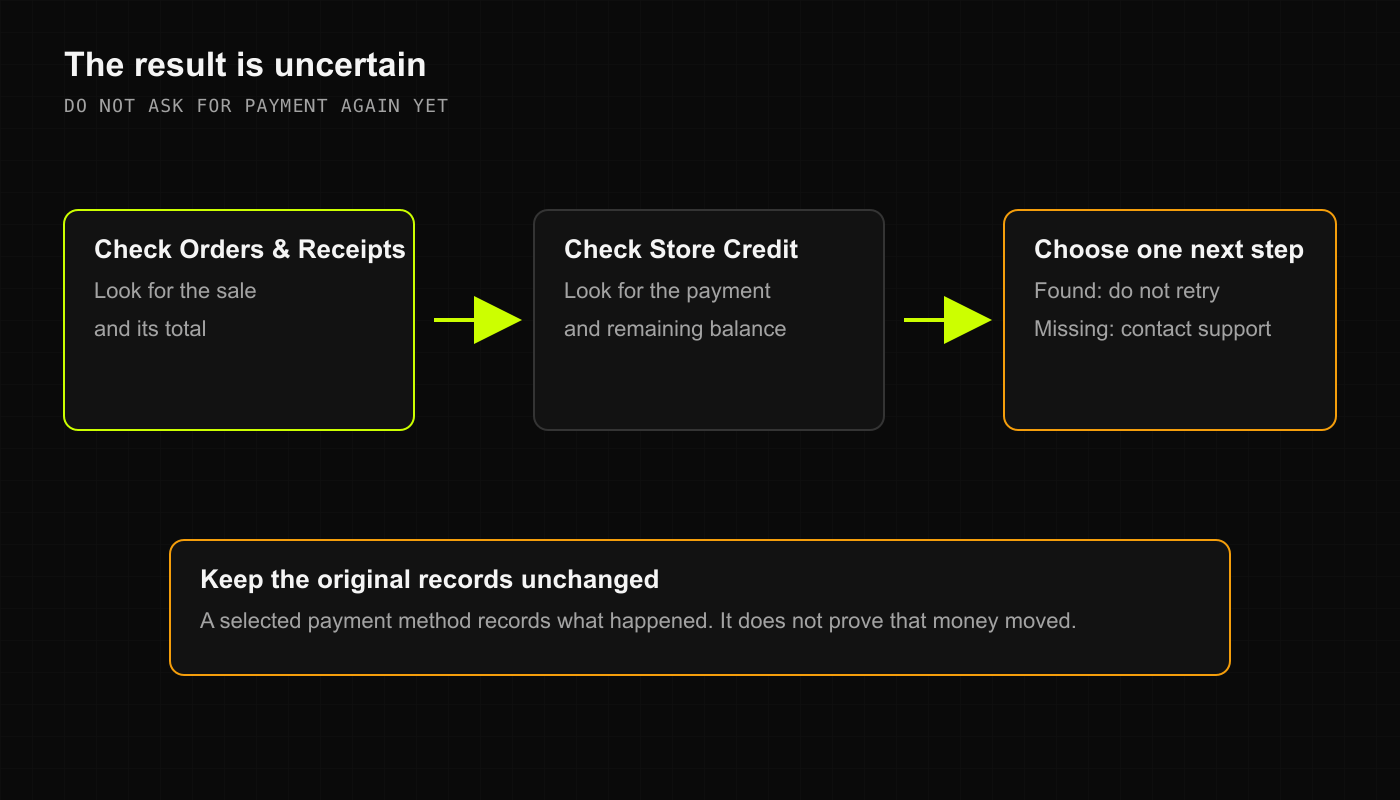
If you recorded a tab payment and the customer’s balance due looks identical:- Check the payment log:
- In Credit (or Payments), look at the recent payments table. Confirm that the payment was saved and check the timestamp.
- Did you record a payment or ring up a new sale?
- We see this all the time: a cashier accidentally rings up an item called “Tab Payment” in New Sale instead of using Record Payment in the Credit menu!
- Ringing up a sale adds to your store sales; it does not reduce an open customer tab. If this happened, have a manager void the accidental sale and record the payment properly under Record Payment.
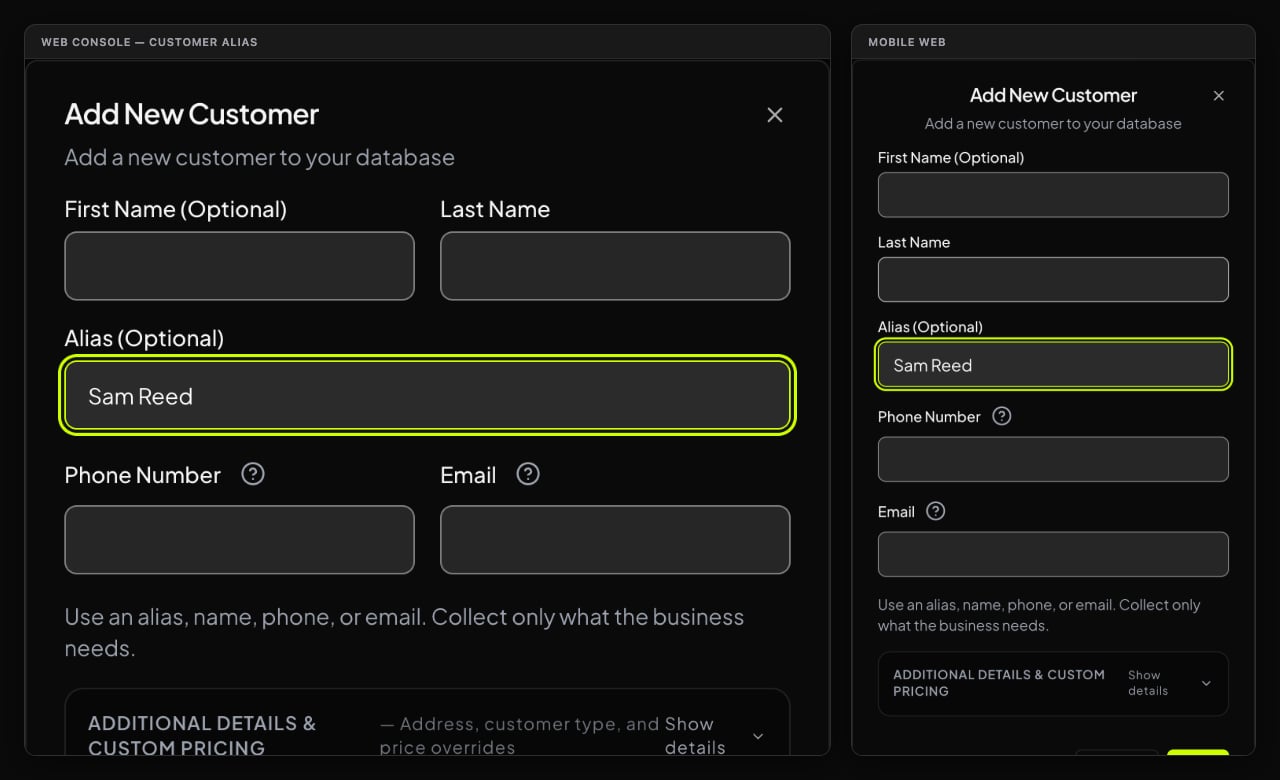
3. A customer alias doesn’t appear in search
If you type a regular’s nickname and no results come up:- Check for slight spelling variations (e.g., “Mike” vs. “Michael” or “Dave B.” vs. “Davey”).
- If your store uses Alias Mode with automated retention cleanup set to 30 days, inactive customer profiles with zero balance due and no purchases in the last 30 days may have been cleanly purged by retention cleanup. Simply create a fresh profile for them!