

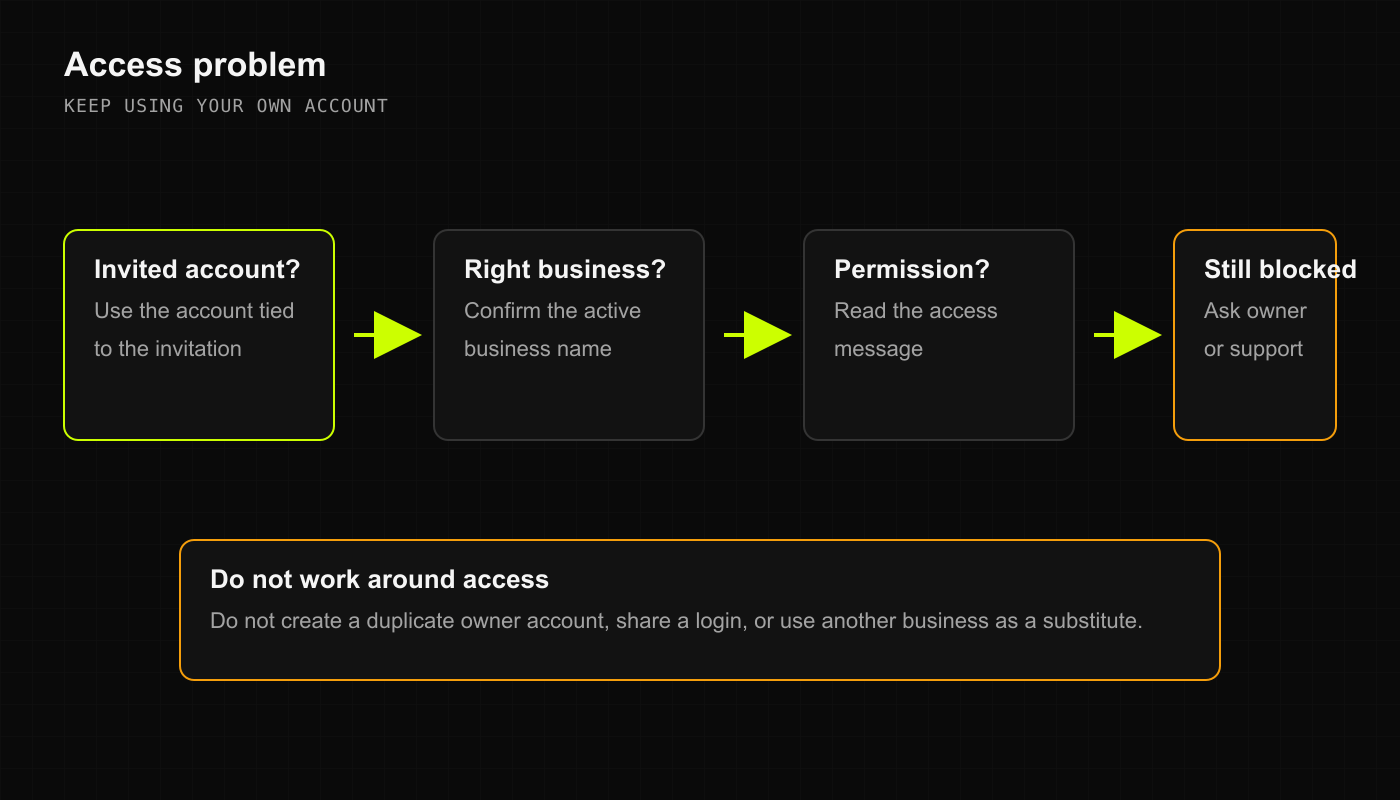
1. You cannot sign in
If the sign-in screen throws an error or rejects your credentials:- Check the email address: Make sure you are using the exact email address where your store invitation was sent. If the shop owner invited
alex@greenleaf.combut you are trying to log in withalex.personal@gmail.com, DRX won’t recognize your access. - Check for invitation links: If this is your first shift, did you click the confirmation link in your invite email? You must set your password through that link before logging in directly.
- Don’t make duplicate accounts: Creating a brand new personal account will just give you an empty workspace without your store’s inventory or cash registers. Ask your shop manager to re-send the invitation link if yours expired.
- Password reset: Use the password recovery link on the sign-in screen. If you still cannot get in, have your store owner reach out to
support@deelrxcrm.com.
2. Your store location is missing
You log in, but your downtown dispensary or annex shop isn’t listed under Select a business:- Desktop Web
- Native iOS (SwiftUI)
- Android & Mobile Web
- Look at the top navigation bar. If the store selector shows an unfamiliar shop or says “No Store Selected,” click the dropdown.
- Check the list under My Businesses. If your location is missing, your email invitation was likely assigned to a different workspace.
- Have your store manager open Settings > Manage Team and verify that your email address is actively listed under Team Members for that specific branch.
3. A button, page, or action is blocked
You try to receive a pallet of gummies or approve a discount, but the button is grayed out or a banner pops up saying you lack permission:- Cashier vs. Manager permissions: By default, Cashiers cannot adjust wholesale purchase costs, override stock discrepancies, or edit customer credit limits. Those guardrails exist to protect the store ledger.
- Ask for a supervisor override or role update: If your shift duties changed, ask a store manager to update your role in Settings > Manage Team.
- Refresh your session: Once the manager updates your role from Cashier to Supervisor or Manager, refresh your browser tab or close and reopen the mobile app to pick up your new permissions.
4. You realize you are ringing up sales in the wrong store
You look up and notice you just rung up a sale in “North Branch” while standing behind the counter at “South Branch”:- Stop immediately: Do not keep scanning items or closing out carts.
- Void or reverse the mistaken order: Open Sales History in the wrong store, locate the transaction you just completed, and process a void or refund so the wrong store’s inventory ledger isn’t distorted.
- Switch to your correct store: Use the store switcher in the header (Web),
WorkspacesView(iOS), or More (Mobile) to enter your actual location. - Ring up the sale under the right roof: Re-scan the items and take tender under the correct business so your inventory counts and cash drawer end the night in balance.