

The three privacy presets
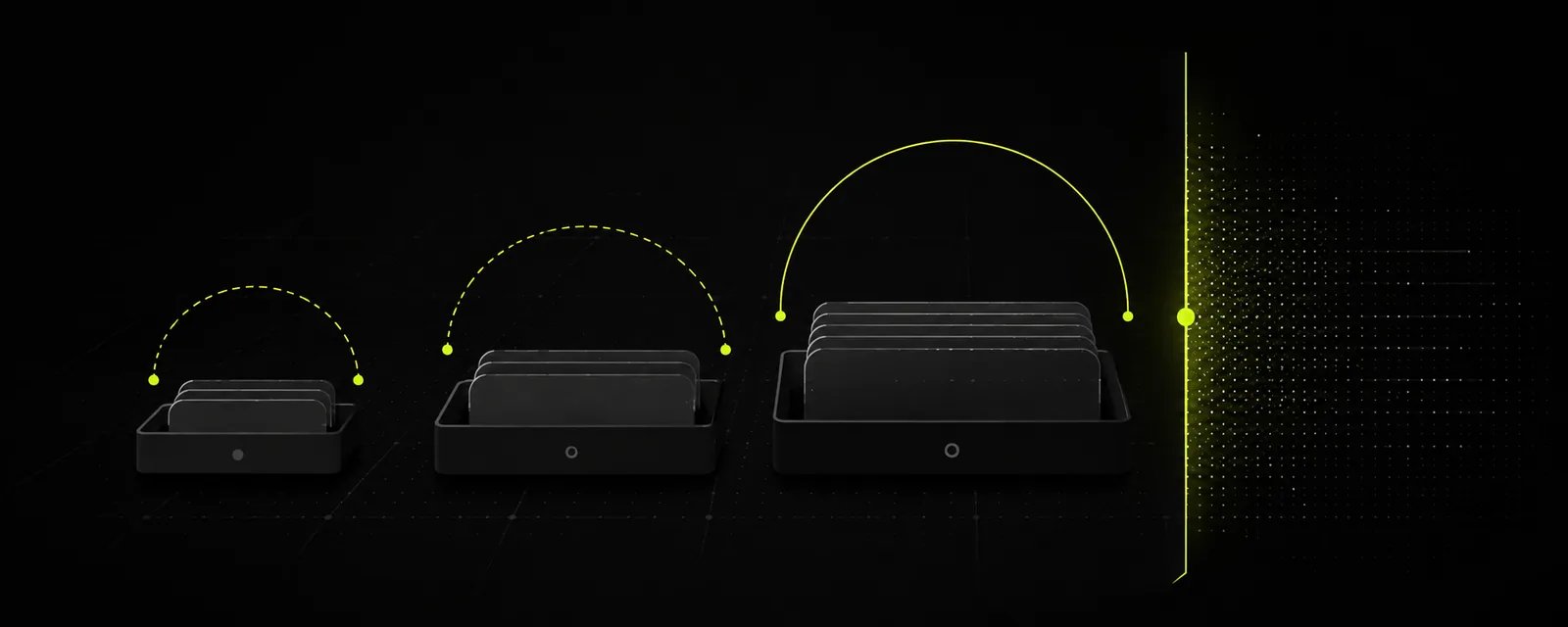
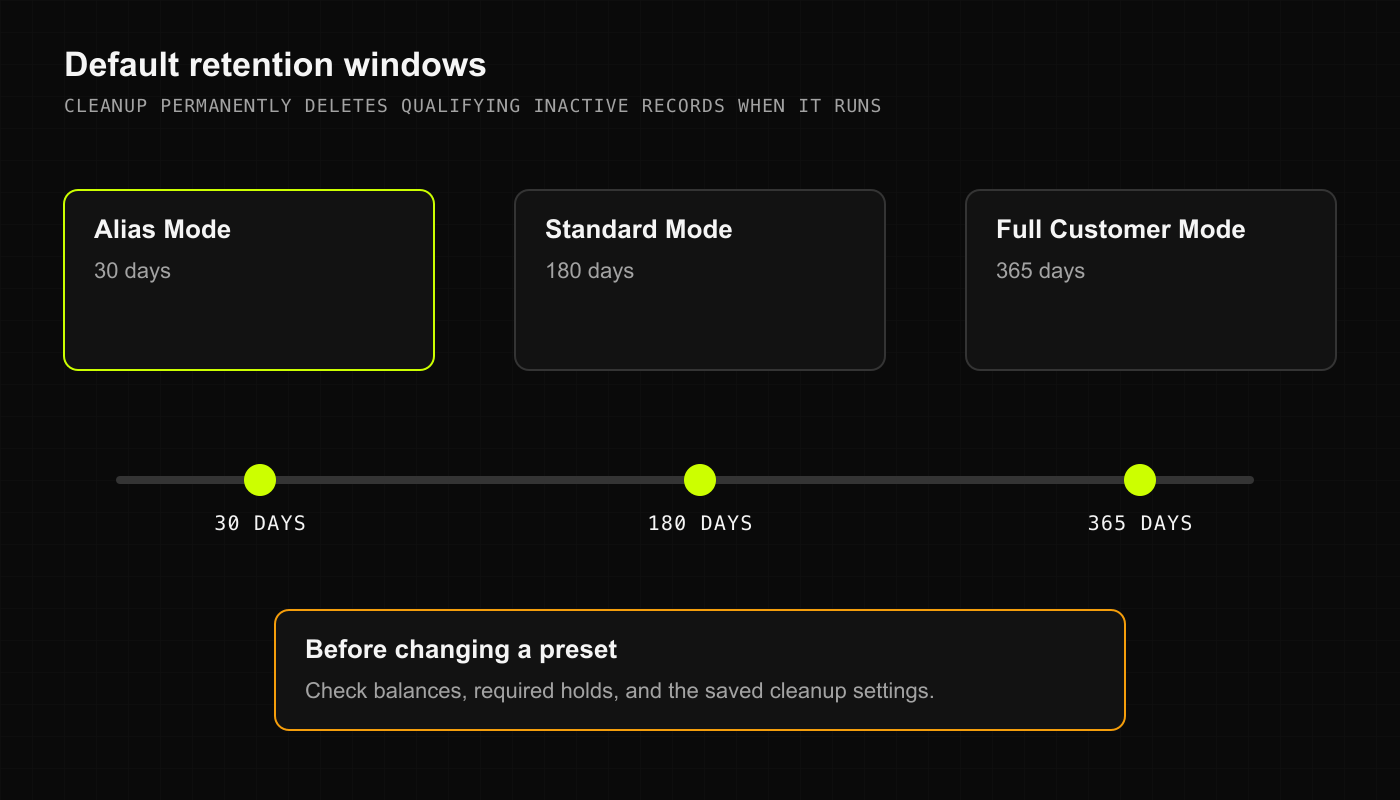
You can set your shop’s privacy preset depending on how much customer info you actually need to operate:- Alias Mode (30 Days): Maximum stealth. You collect only customer nicknames or code names (like “Blue Hoodie” or “Big Mike”). Inactive customer records are scheduled for permanent purge after 30 days of zero visits. Perfect for high-volume cash counters where privacy is paramount.
- Standard Mode (180 Days): The balanced sweet spot. You store an alias plus an optional phone number or email for digital receipt delivery. Inactive records are retained for 180 days before automated cleanup.
- Full Customer Mode (365 Days): Complete customer profiles, loyalty history, and delivery addresses. Inactive accounts are retained for 365 days (one full calendar year) before scheduled cleanup.
Configuring privacy across your platforms
- Desktop Web
- Native iOS (SwiftUI)
- Android & Mobile Web
- Click Settings in the main sidebar.
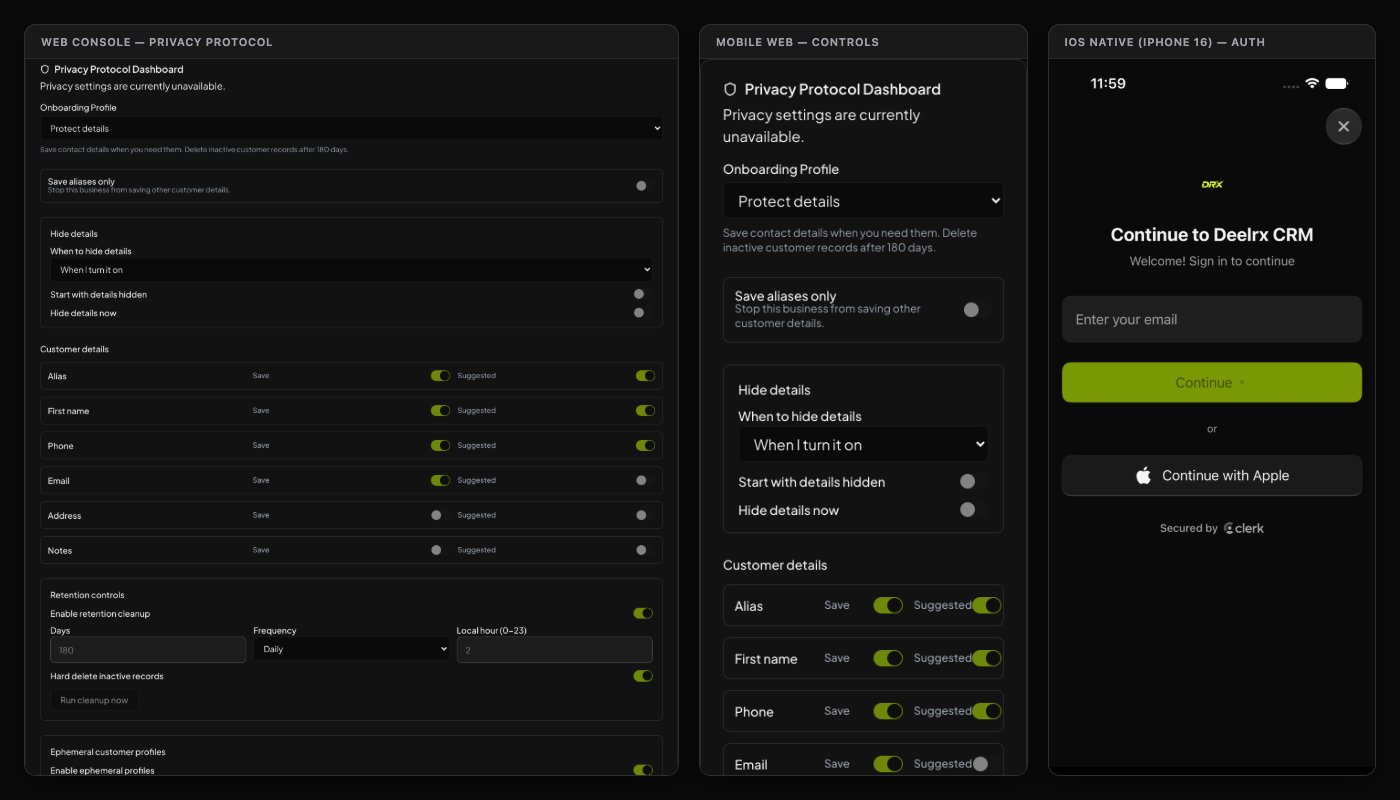
- Under Privacy Protocol Dashboard, find the Onboarding Profile section.
- Choose your desired preset: Alias Mode, Standard Mode, or Full Customer Mode. Notice how the retention schedule updates automatically.
- Review your cleanup automation:
- Enable retention cleanup: Toggle on to automate scheduled data purges.
- Days: Adjust the retention window if your shop policy requires a specific timeframe.
- Local hour (0–23): Choose an off-peak overnight hour (like 3 AM) so cleanup runs when registers are idle.
- Hard delete inactive records: Permanently clears qualified customer rows.
- Click Save Settings.
The golden rule of automated cleanup
When retention cleanup runs, it permanently deletes qualified records. It doesn’t just hide them behind an archive tab; they are purged. Here is the crucial safeguard: DRX will never delete a customer who owes you money or holds an active store tab. If a customer has an open balance or an unresolved transaction, the cleanup engine skips them entirely, keeping your accounts receivable intact.Screen privacy at the counter
Ever had a nosey customer leaning over the counter trying to read what is on your POS screen? We have too.- Screen privacy dynamically masks sensitive fields (such as phone numbers, email addresses, and past order notes) on register screens.
- Budtenders only see the customer’s alias and current order cart.
- Enabling screen privacy protects customer confidentiality without changing your underlying stored records or deleting any data.